Keyboardist
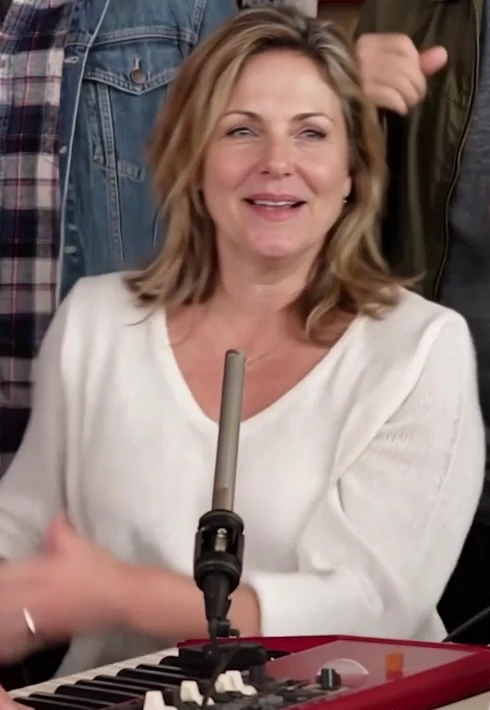
The performer at the keyboard.

Cast yourself and your friends in the Outstanding desk-concert meme. Upload adult portraits for the roles you want to replace. Untouched roles keep their template appearance in one shared performance.
0/3 role replacements selected
Roles without an uploaded photo keep their template appearance. You can also generate the original template with no uploads.
Template appearance retained
Template appearance retained
Template appearance retained
Template appearance retained
Template appearance retained
Each role photo must show one adult. Use a clear face, even lighting and visible head and shoulders. Avoid sunglasses, masks and heavy filters.
All five comparisons use frames from the same demonstration video.
The five photo comparisons show role frames from the same demonstration video. They are examples, not a preview of your personalized result.
What makes this clip work
A face close enough to recognize makes the performance personal. Start with a sharp, well-lit portrait rather than a distant group shot.
Band shots, the singer close-up and a sax break make the reference recognizable. Watch the fixed 15-second reference and the shared demonstration before starting.
Watch and listen to the finished file. A concert-style video does not by itself promise the original recording or exact lip synchronization.
From photo to performance
Upload photos for any three roles with Pro, or up to five with Ultimate or Max. Leave other roles untouched to keep the template. Every uploaded photo must show one consenting adult.
All five roles go into one 15-second video for 15 credits total. Sign in and use paid credits when ready; preparing the photos does not include a free render.
Follow the task in My videos. Check the face, motion and sound before downloading the MP4 or choosing to share a link.
Before your first take
Replace any three roles with Pro, or up to five with Ultimate or Max. Upload one consenting adult per photo; other roles keep their template appearance.
The performer at the keyboard.
The singer at the main microphone.

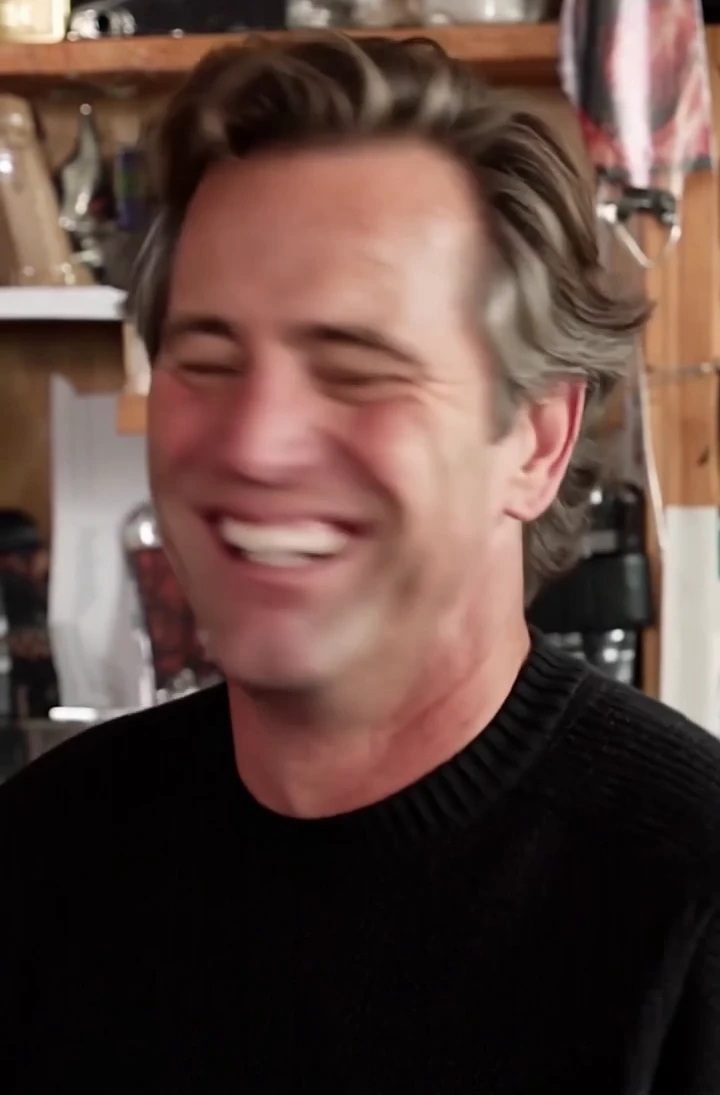
The backing vocalist on the viewer’s left.
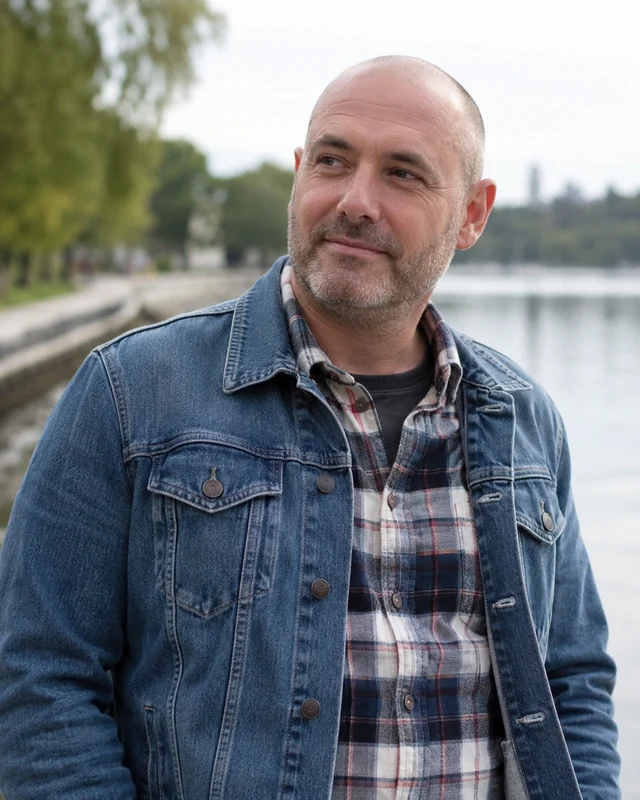
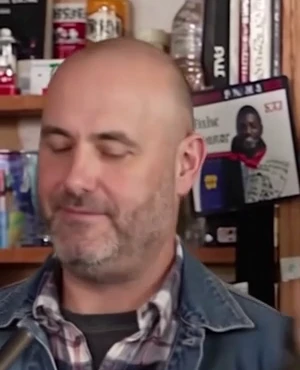
The backing vocalist on the viewer’s right.

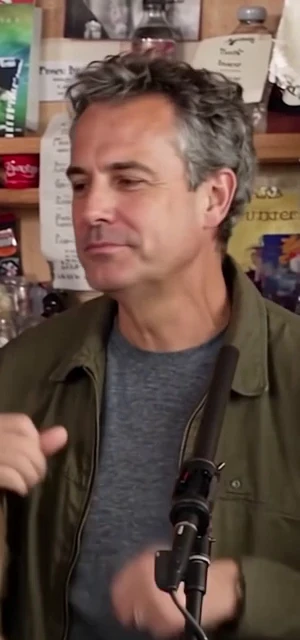
The performer playing the saxophone.
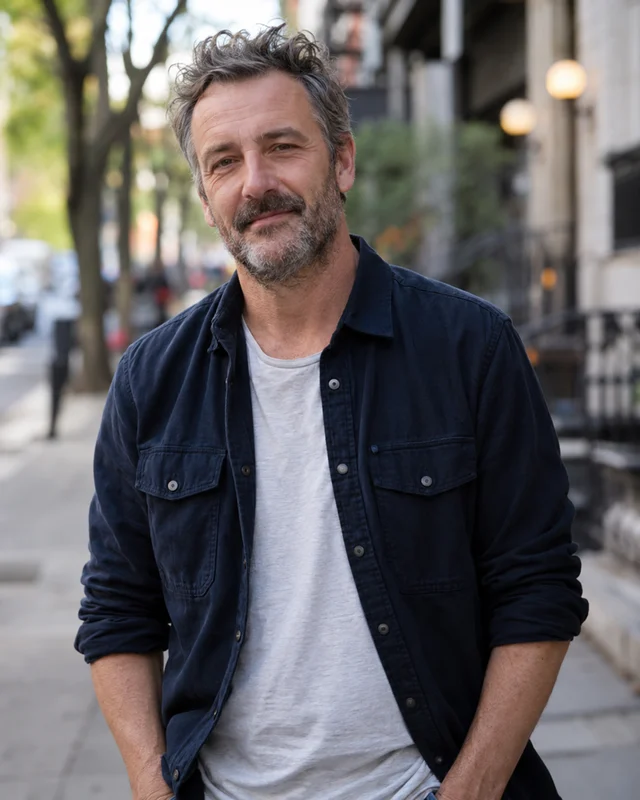
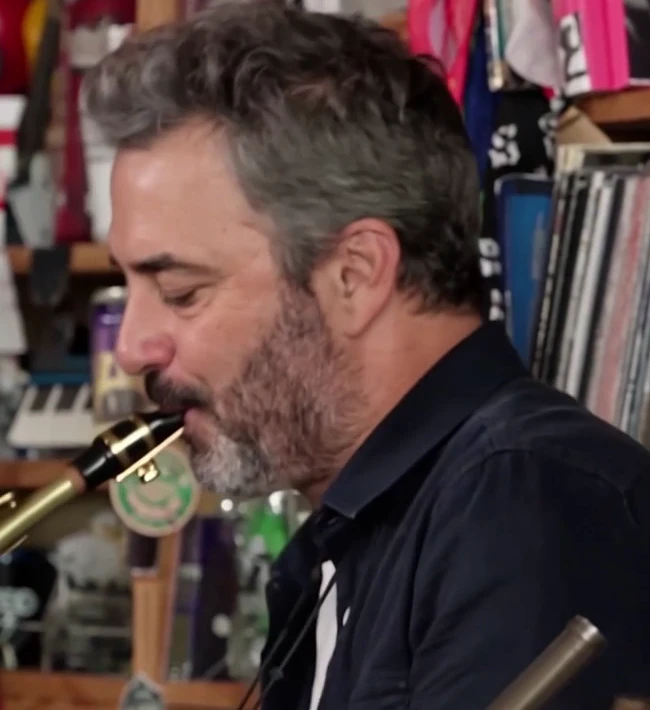
All five comparisons use frames from the same demonstration video.
Make my versionThe Outstanding format
The tiny desk ai trend puts unexpected people into a desk-concert performance. Its Outstanding version draws on Charlie Wilson's performance with NPR Music: a crowded office set, a joyful singer close-up, the band and a saxophone break. The joke changes when the cast changes.
tiny desk AI is a tiny desk ai generator for a personal take on that format. This tiny desk ai maker has 5 fixed role slots and one preset performance reference. Upload your own adult portraits for selected roles and keep the rest of the template; likeness, motion and cuts can vary.
See the meme and original performance explainedYour take, step by step
Cast the keyboardist, lead singer, two backing vocalists and saxophonist separately. Upload one consenting adult per selected role. Pro allows any three roles; Ultimate and Max unlock all five. Other roles stay as in the template.
The reference guides the action, so you do not need to write a prompt in this tool. Review the result: exact faces, outfits and camera cuts are not guaranteed.
The configured frame is 9:16. Each generation is 15 seconds (15 credits). Download the completed file for your own edit or post.
The complete five-role video costs 15 credits once. The five slots are not five separately charged videos. There is no free trial render.
Return to My videos to find your tasks. Portraits are deleted automatically 7 days after upload; completed videos are kept for 30 days after they finish. Download the takes you want to keep.
Confirmed failed generations return their credits. One-time pack credits do not expire; check the pack and task cost before buying.
Cast the moment
Give yourself the lead after a rough week or a lost game. Share one short AI-made performance with a caption your friends will understand.
Make my versionUse an adult friend's portrait with their permission, then add your birthday message in the caption. Give each consenting friend a role in the same video.
Make my versionKeep one familiar performer and change the occasion in your post. Keep your cast or replace individual role photos for the next video.
Make my versionPricing
15 seconds (15 credits). Choose a credit pack; personalized generation uses credits. Check the template before buying.
Choose any three roles
$9.90
20 credits
Unlock all five roles forever
$19.90
50 credits
More credits, all five roles
$49.90
150 credits
One-time purchases. Each video costs 15 credits. Unused credits stay in your balance, and purchases stack. Role access stays at your highest purchased tier. Prices in USD; taxes calculated at checkout.
Photos, templates, sound and payment—answers for your first take.
Contact supportUpload photos for selected roles, leave other roles as in the template, then confirm one 15-second video for 15 credits total. A preset reference guides the performance. Review the completed file in My videos and download the MP4. Exact resemblance and shot timing can vary.
How to make your first videoThe template supplies one fixed 15-second performance. The five role slots assign the keyboardist, lead singer, left and right backing vocalists and saxophonist. Left and right mean the viewer’s left and right. Each selected role accepts one photo of one adult; unselected roles retain their template appearance.
Yes. Pro lets you replace any three fixed roles; Ultimate and Max unlock all five. Keep the template in any untouched slot. Each photo must show one consenting adult. You can replace or retry a slot before submitting; all five roles produce one shared video.
This tool runs in your browser. You choose role photos and download a completed MP4; there is no app installation in this workflow. A photo-to-video performance can change more than a pasted face, so review the full result before sharing it.
You can read the guides and view the available demo media without paying. Personal video generation uses paid credits; there are no free sign-up credits or free personalized previews. Signing in or preparing a photo does not create a free video.
Check the free and paid optionsThe song behind the meme is Outstanding by The Gap Band, performed in the reference concert by Charlie Wilson. This tool does not promise that recording, a particular voice or word-for-word lip sync. Listen to your downloaded file before choosing a soundtrack for your post.
Understand the song and audioThere is no prompt box in the current generator: the template handles the performance reference. If you are making the scene yourself in another tool, a text prompt is only one part of the setup. Character references, motion guidance and audio need separate attention.
Read the prompt and reference guideChoose one adult, a sharp face, even light and visible head and shoulders. Avoid sunglasses, masks and heavy filters. The upload accepts JPG, PNG, WebP up to 10 MB. If you start with a group photo, crop to the person who agreed to appear.
Each generation is 15 seconds (15 credits). The generator shows the selected credit cost before you submit. Compare that cost with the credit pack you choose. A confirmed failed task returns its credits; a completed take uses its stated credits.
Wait time depends on the provider queue. Follow the task status in My videos; you can leave the page and return. A pending task is not a confirmed failure, so check its status before starting another paid take.
NPR Music published Charlie Wilson's concert, including Outstanding. The coach version linked in the trend guide is an AI remix by another creator. Demo media here is not proof that those clips were generated by this tool. This site is independent of the concert and its performers.
Find the source and recognize the formatUpload your own photos for selected roles or keep the template, then check the total credit cost. Your next concert starts here.
Create my video · $9.90+